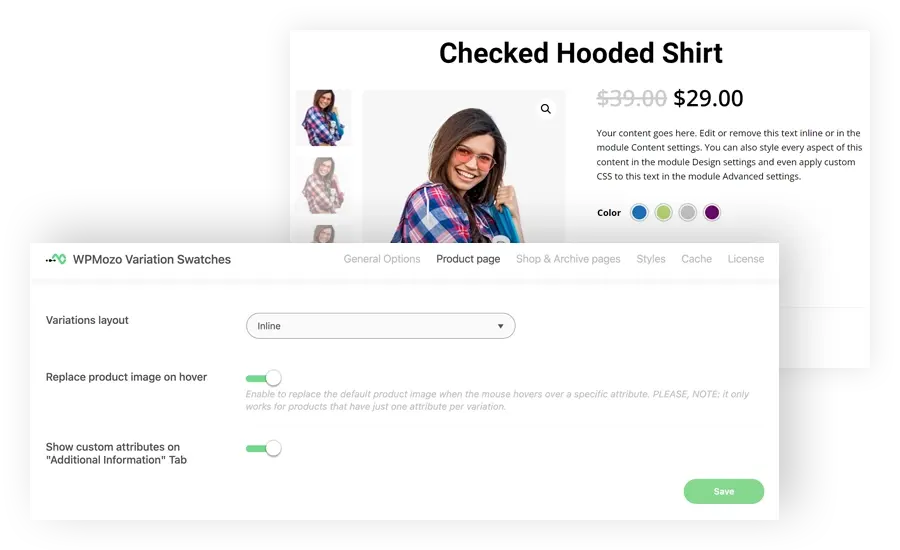
WPMozo Variation Swatches Live Demo
Try color, image, and label swatches live on a real WooCommerce demo store. See how swatches replace dropdowns across product pages, shop pages, cart, and checkout. Get the plugin at WPMozo.com.






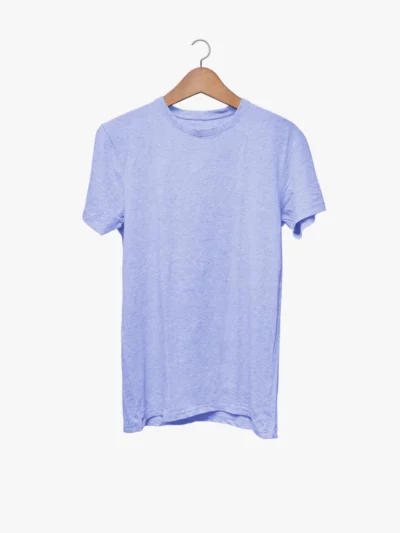


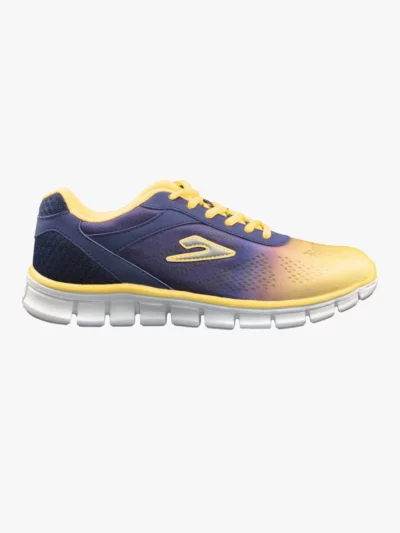





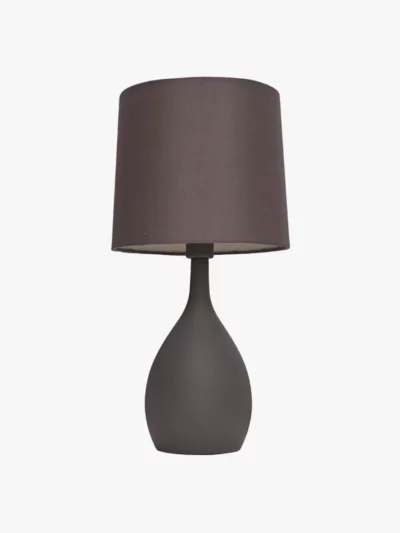
What Variation Swatches Look Like in WooCommerce
The screenshots above show variation swatches replacing the default WooCommerce dropdown. Customers can hover swatches to preview colors, see images of each option, or tap labels for size selection. The plugin works on product pages, shop pages, cart, and checkout. Try interacting with any of the demo products above to see the swatch behavior live.